Remember when slow internet was just a quirky, frustrating part of life? Those days are long gone.
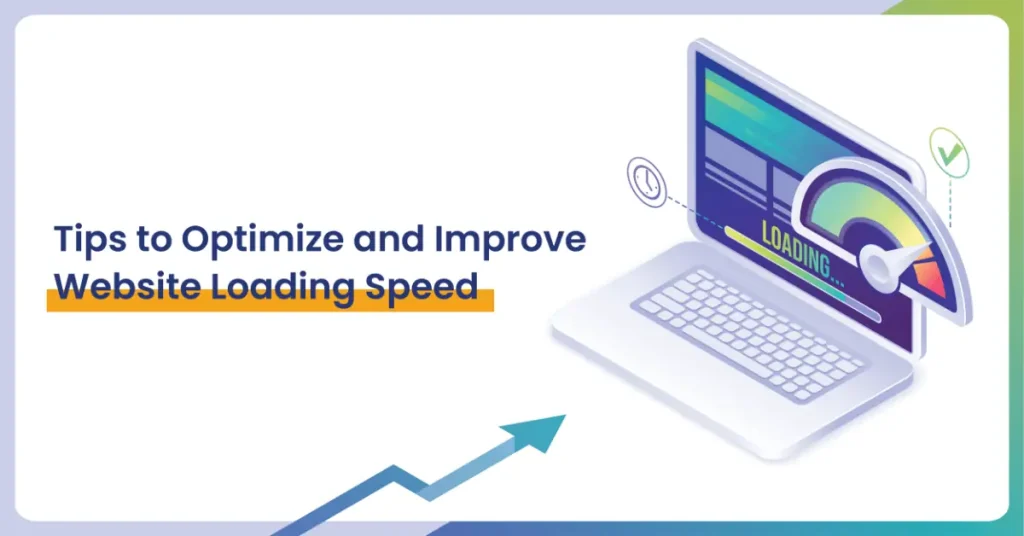
Today, if your website takes even a second too long to load, your visitors—and your revenue—are already halfway to your competitor. Speed isn’t just a technical detail anymore; it’s a fundamental marketing and design imperative.
As web experts who live and breathe this stuff, we at NiCREST know that optimizing for speed is the most powerful, yet often overlooked, leverage point for any small business or corporate marketing team. A fast site equals better UX, higher conversions, lower bounce rates, and a happier Google.
Ready to stop losing money to slow servers and bloated code? Here are 12 updated, actionable tips reflecting today’s digital realities—from AI impact to Core Web Vitals—that will turn your website into a lightning-fast conversion machine.
The Core Web Vitals & UX Imperative (It’s Not Just About Loading!)
In the past, we focused on “Time to Load.” Now, we focus on the user’s perception of speed. The key metrics? Google’s Core Web Vitals (CWV): LCP (Largest Contentful Paint), FID/INP (First Input Delay/Interaction to Next Paint), and CLS (Cumulative Layout Shift).
1. Prioritize Above-the-Fold (ATF) Content (LCP Focus)
- The Upgrade: This is where you make your first impression. Instead of just loading everything sequentially, focus on the critical CSS and HTML needed to render your LCP element (your hero image, main headline, etc.) immediately.
- Actionable Insight: Implement Critical Path CSS loading. Use tools to analyze and inline the CSS required for the ATF content. Delay the rest. This makes the page feel instant, even if the backend is still humming along.
2. Become a Master of Image Compression & Next-Gen Formats
- The Upgrade: JPEG and PNG are the grandfathers of the web. Embrace AVIF and WebP formats. They offer superior compression without noticeable quality loss.
- Actionable Insight: Use an intelligent image CDN or a plugin that automatically serves the optimal image format based on the visitor’s browser. Never manually resize an image in an editor; use the
<picture>element and thesrcsetattribute to deliver responsive images tailored to the device screen size.
3. The Script Diet: Manage Your Third-Party Bloat (INP Focus)
- The Upgrade: That third-party chat widget, the heatmapping tool, the analytics tag… they’re crushing your site’s interactivity. Every external script is a potential drag.
- Actionable Insight: Audit every script. If it’s not absolutely critical for conversion or functionality, consider removing it. For the necessary ones, use the
deferorasyncattributes to prevent them from blocking the main thread and tanking your Interaction to Next Paint (INP) score.
Server & Infrastructure: The Engine Room of Speed
The fastest code in the world can’t save you from a mediocre server.
4. Ditch the Shared Hosting for Modern Cloud/Managed Solutions
- The Upgrade: If your business is growing, it’s time to graduate from the digital equivalent of a crowded hostel. Shared hosting is cheap because you share resources with everyone else.
- Actionable Insight: Invest in Managed WordPress Hosting or a Cloud Provider (AWS, Google Cloud, Azure). This offers dedicated resources, better security, and instant scalability—the foundation for real speed.
5. Embrace a Caching Strategy That Actually Works
- The Upgrade: Caching is simple: store a copy of your fully rendered page so the server doesn’t have to rebuild it for every single visitor. But modern caching goes deeper than a single plugin.
- Actionable Insight: Implement multi-layered caching:
- Browser Caching (for returning visitors).
- Server-Side Caching (Nginx/Varnish).
- Object Caching (Redis/Memcached) for dynamic sites and e-commerce.
6. The Power of the CDN: Close the Distance
- The Upgrade: A Content Delivery Network (CDN) copies your static assets (images, CSS, JS) and distributes them to servers (Points of Presence) around the globe. When a user visits, the content is delivered from the closest server.
- Actionable Insight: This is non-negotiable for a global or national audience. A CDN drastically reduces TTFB (Time to First Byte), instantly improving perceived speed, especially for mobile users far from your main server location.
Code & Content Optimization: The Detail Work That Pays Off
Small code tweaks can yield massive speed returns.
7. Minify and Combine Your CSS & JavaScript Files
- The Upgrade: Computers don’t care about line breaks, comments, or spacious code. Every extra character is data your user has to download.
- Actionable Insight: Minify your files (remove unnecessary characters) and, where possible, combine them into fewer files. Fewer files mean fewer separate HTTP requests, which is a big win for older connections and mobile networks.
8. Preload Key Resources for a Head Start
- The Upgrade: Tell the browser what it needs before it finds out for itself.
- Actionable Insight: Use the
<link rel="preload">tag in your HTML header for critical resources like fonts (especially custom ones) and large above-the-fold images. This allows the browser to download them with high priority, speeding up your LCP.
9. Database Optimization: The Digital Attic Cleanup
- The Upgrade: If you run a content management system (CMS) like WordPress, your database collects a lot of digital “dust”—old post revisions, spam comments, trashed items, and transient data. A bloated database slows down the server’s response time.
- Actionable Insight: Schedule regular database cleanup and optimization. Use tools to delete unnecessary data and repair/optimize your tables.
The Modern Edge: AI, Design, and the Future of Fast
The best strategies leverage new technology and modern design ethics.
10. Embrace AI-Powered Front-End Optimization
- The Upgrade: Manual optimization is a dinosaur. AI tools can analyze visitor behavior and, in real-time, decide which resources to load, which to defer, and how to cache assets for each individual user.
- Actionable Insight: Look for modern web hosting and optimization services that include AI-driven features like predictive prefetching and adaptive compression. Let the machine learning handle the complexity.
11. Mobile-First Indexing is the Law, Not a Suggestion
- The Upgrade: Google indexes the mobile version of your site first. If your mobile experience is sluggish, your entire SEO ranking suffers, regardless of your desktop speed.
- Actionable Insight: Test your site exclusively on 3G and 4G simulators. Use a clean, performance-focused mobile design, paying extra attention to INP (interactivity) since users are interacting more frequently on mobile devices.
12. Adopt a Performance Budget Mindset
- The Upgrade: Every time you add a new feature, script, or image, ask: Is this worth the weight? A Performance Budget is a set of hard limits for page size, script load time, and image size.
- Actionable Insight: If your current page is 1.5MB and your budget is 1MB, you can’t add a new video widget until you shave 500KB elsewhere. This forces the design and development teams to make smart, performance-first choices, ensuring speed is built-in, not bolted on.
The NiCREST Bottom Line: Speed is Trust
In the attention economy, your website speed is the ultimate act of respect for your audience’s time. It builds trust, reinforces professionalism, and directly impacts your bottom line.
If your current website feels like it’s running on a dial-up modem in a world of fiber optics, it’s time for an overhaul.